
The eventabee theme app embed loads the storefront consent banner and browser-side helpers. The Shopify Web Pixel extension handles Shopify customer events; the theme embed makes the banner and script/cookie controls available on your storefront.
1. Open the theme editor
- From Shopify Admin, go to Online Store → Themes.
- On your live theme, click Customize.
- In the theme editor left sidebar, open App embeds.
2. Enable the eventabee app embed
- Find eventabee Analytics.
- Turn it on.
- If your theme shows separate eventabee blocks, keep both analytics/consent pieces enabled unless support tells you otherwise.
3. Save and publish
Click Save in the theme editor. Then open your storefront in a fresh/incognito browser window and load any public page.
4. Confirm in eventabee
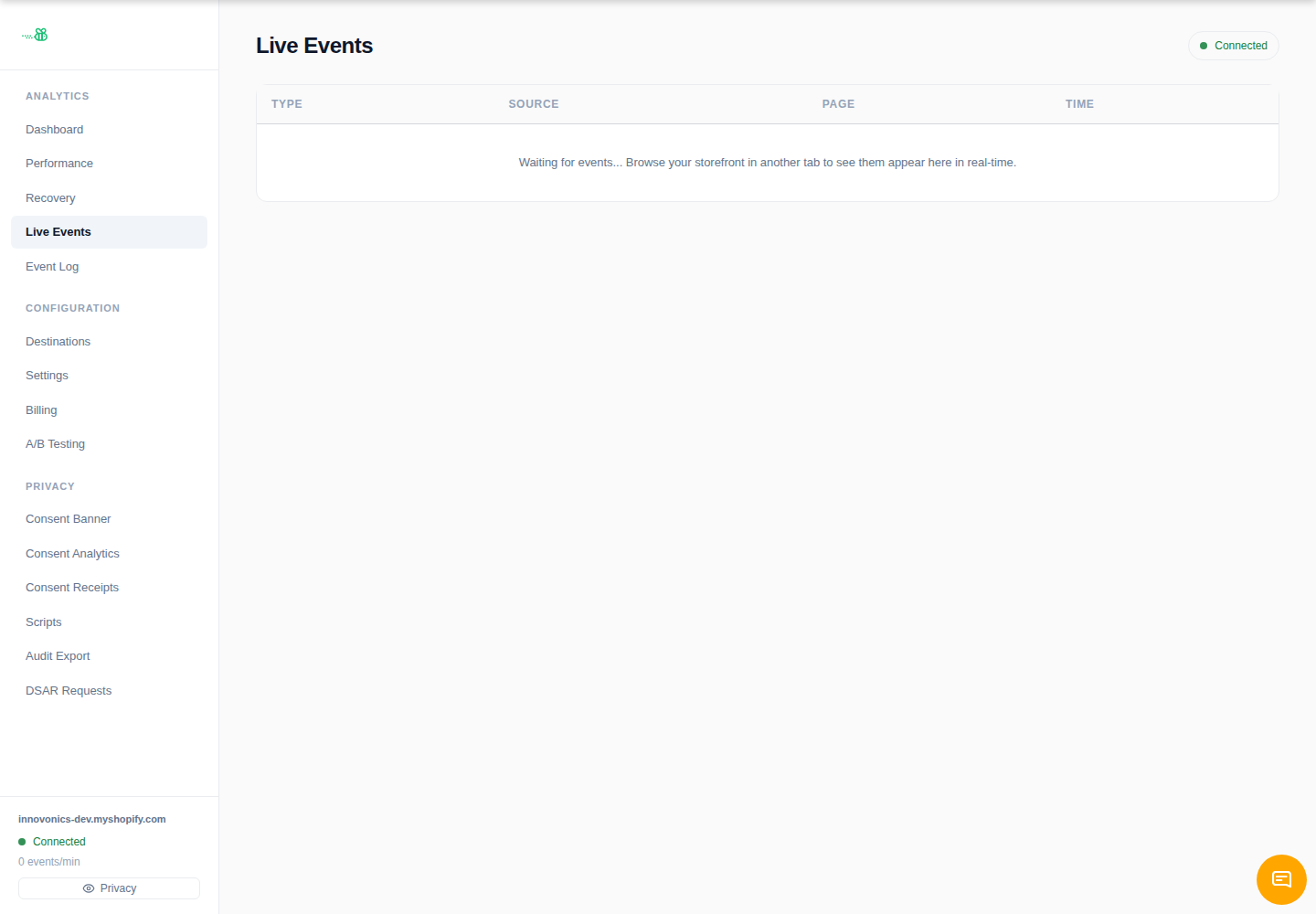
Open Live Events in eventabee and refresh the storefront. A page_view should appear within a few seconds. If it does not, continue with Verify events are flowing.
Why a theme app embed instead of a script tag?
App embeds are managed by Shopify, survive theme updates better than hand-pasted scripts, and are easier to disable safely if you ever uninstall the app.