
Replay and backfill are recovery workflows for events that were received by eventabee but need to be delivered again after a configuration change.
When replay matters
1. Destination token rotation
If a token expired or was revoked, update the destination credentials first. New events should start delivering immediately; older failed deliveries can be retried where the UI offers a retry action.
2. Consent upgrades
If a visitor grants additional consent after an earlier visit, eventabee can use stored consent/event context for eligible recovery paths. Availability depends on the event, retention window, and destination rules.
3. New destination connection
A newly connected destination receives new eligible events going forward. Historical backfill is not automatic from the merchant UI.
How to replay
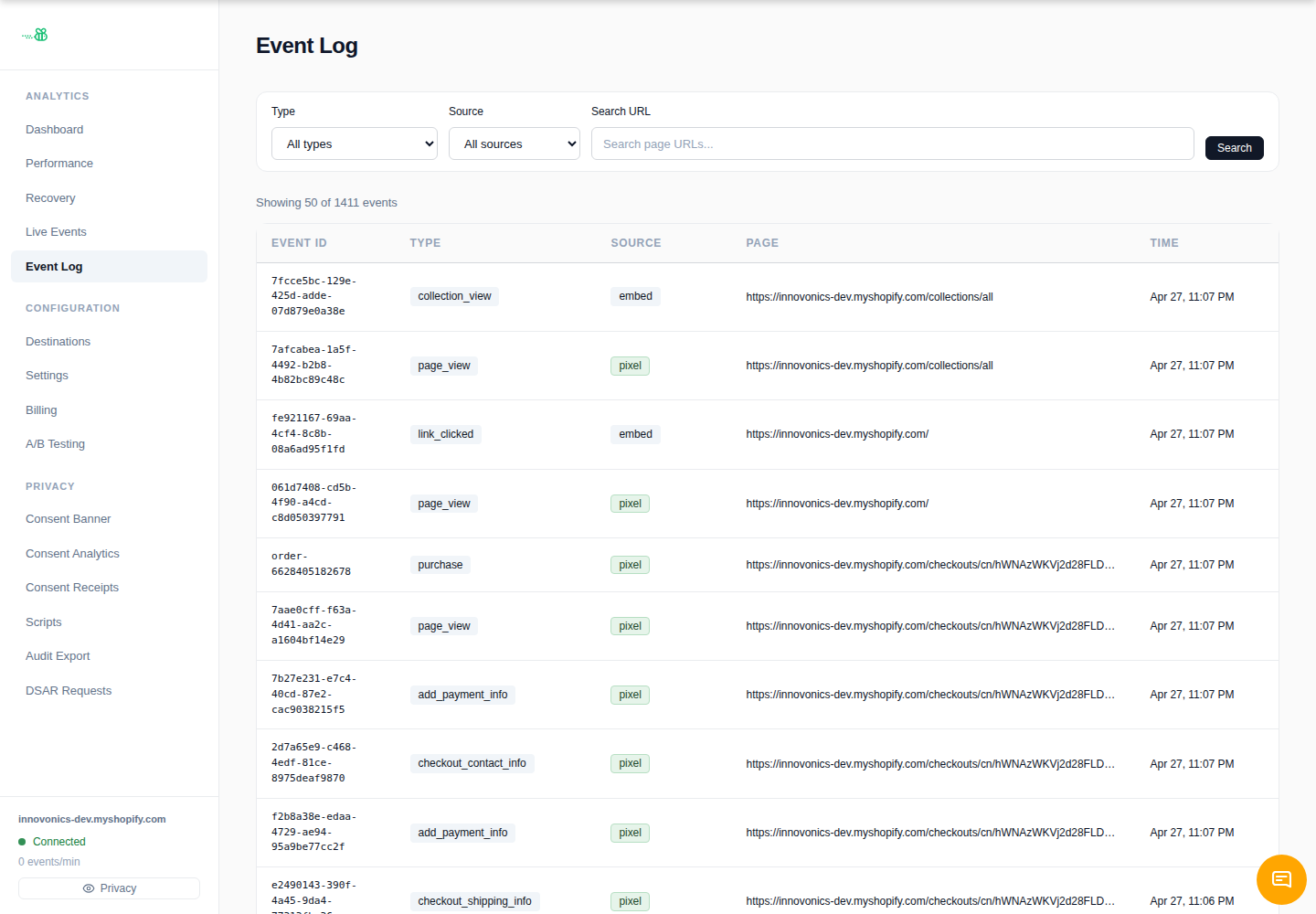
- Open Event Log and identify the affected event or destination.
- Fix the root cause: credentials, endpoint URL, consent category, or vendor permissions.
- Retry failed deliveries from the delivery detail where available.
- For bulk replay/backfill, contact support with the date range, event types, destination, and reason.
Backfill tagging
Backfilled deliveries are tracked separately in eventabee’s delivery data so support can distinguish normal live delivery from recovery runs.
Retention and caveats
Replay is limited by retention, consent state, vendor API rules, and idempotency/deduplication behavior. Do not use replay to create duplicate conversions unless support confirms the destination will dedupe correctly.